
CyberBeans

Products

What each app does, what it costs, and how it treats your data.

FinBeans

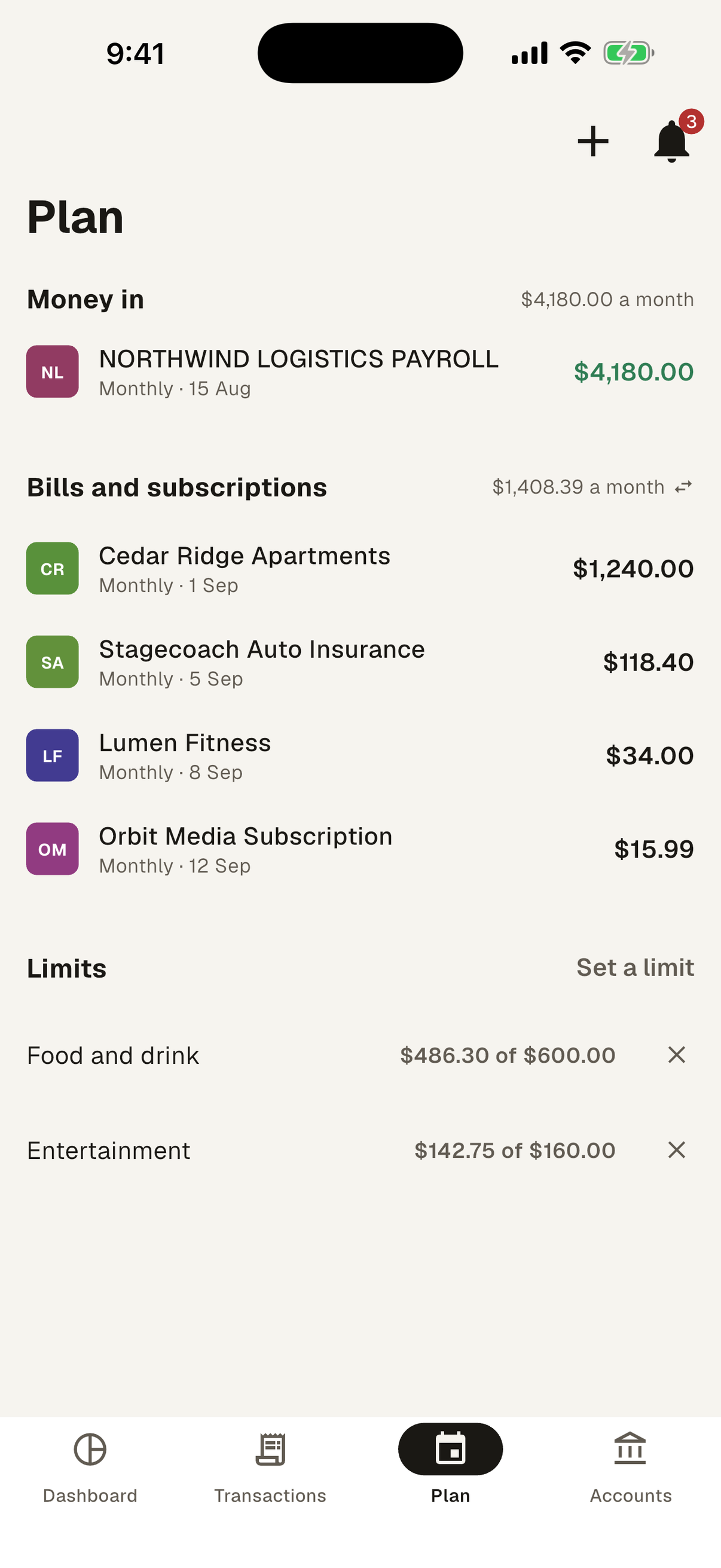
Budgeting that starts from one number: what you can spend right now, after the bills due before your next payday and the money you’ve set aside for savings.

Open FinBeans

  • Available to spend

    Your balance, minus upcoming bills and this month’s savings, through to your next payday.

  • Bills found for you

    FinBeans spots what recurs, like rent, insurance and streaming, and asks whether to plan around it.

  • Savings first

    Set aside a share of your income or a dollar amount before you see what’s spendable.

  • Limits by category

    Give the categories that get away from you a ceiling. Going over is shown, not scolded.

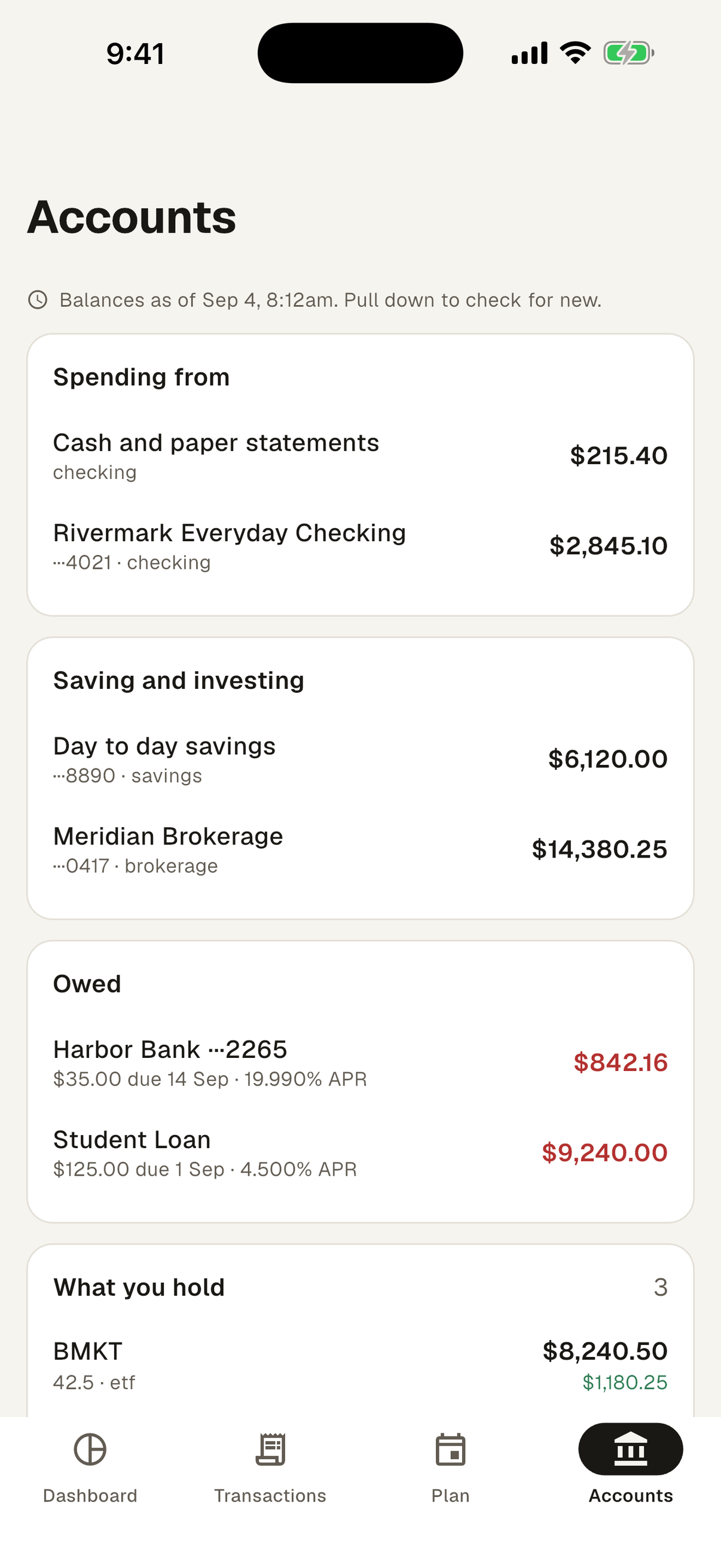
  • Every account in one place

    Checking, savings, investments, credit cards and loans, with the next payment due on each.

  • Your bank, or not

    Connect your bank through Plaid, signing in on your bank’s own page. Or add accounts by hand and import CSV files.

Price
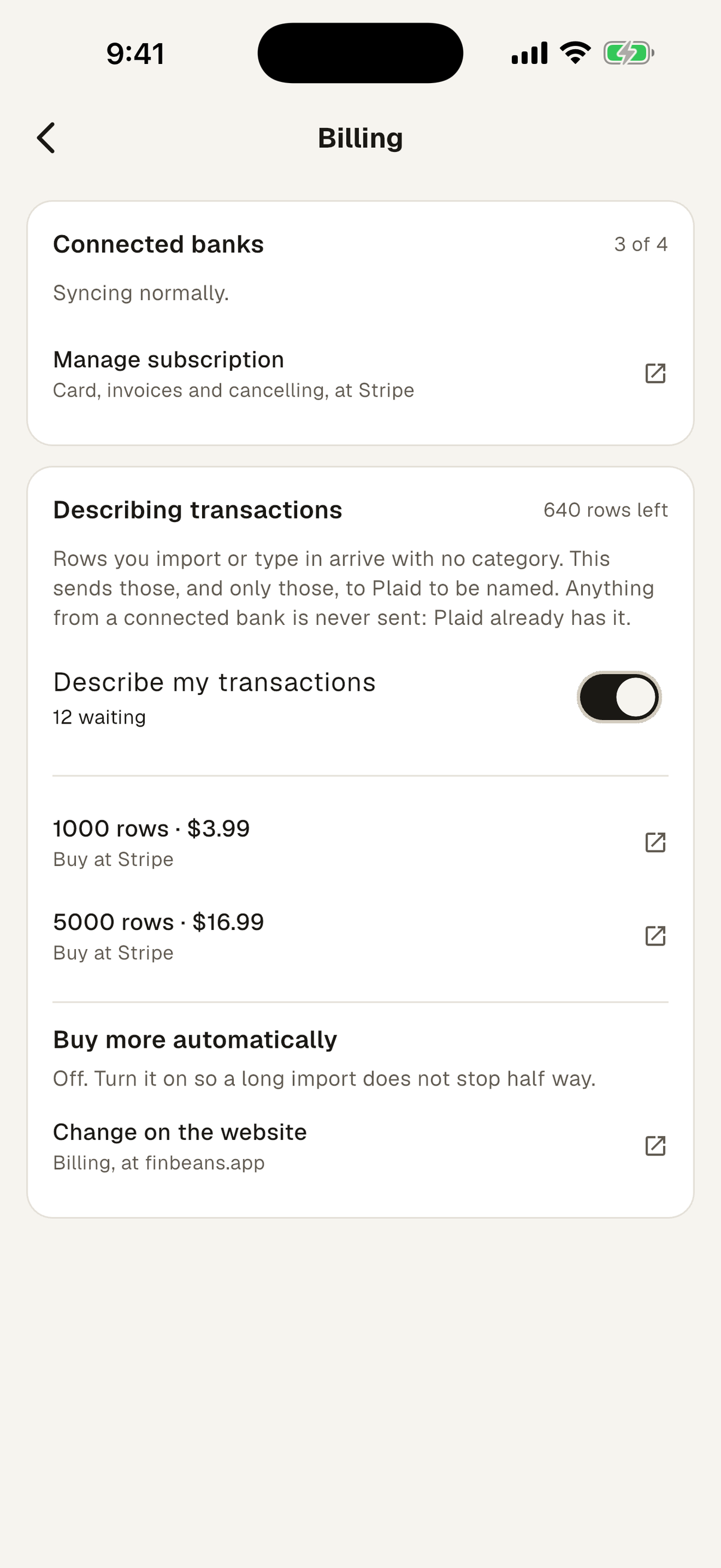
Free without a connected bank. Connecting banks is $4.99 a month for the first and $1.49 for each one after. Cancel any time.
Optional credits
To categorise rows you import: $3.99 per 1,000 or $16.99 per 5,000.
Where
On the web at finbeans.app, in the United States. The iPhone app is coming to the App Store.
Your data
No ads, trackers or analytics. Delete your account and everything in it from inside the app.
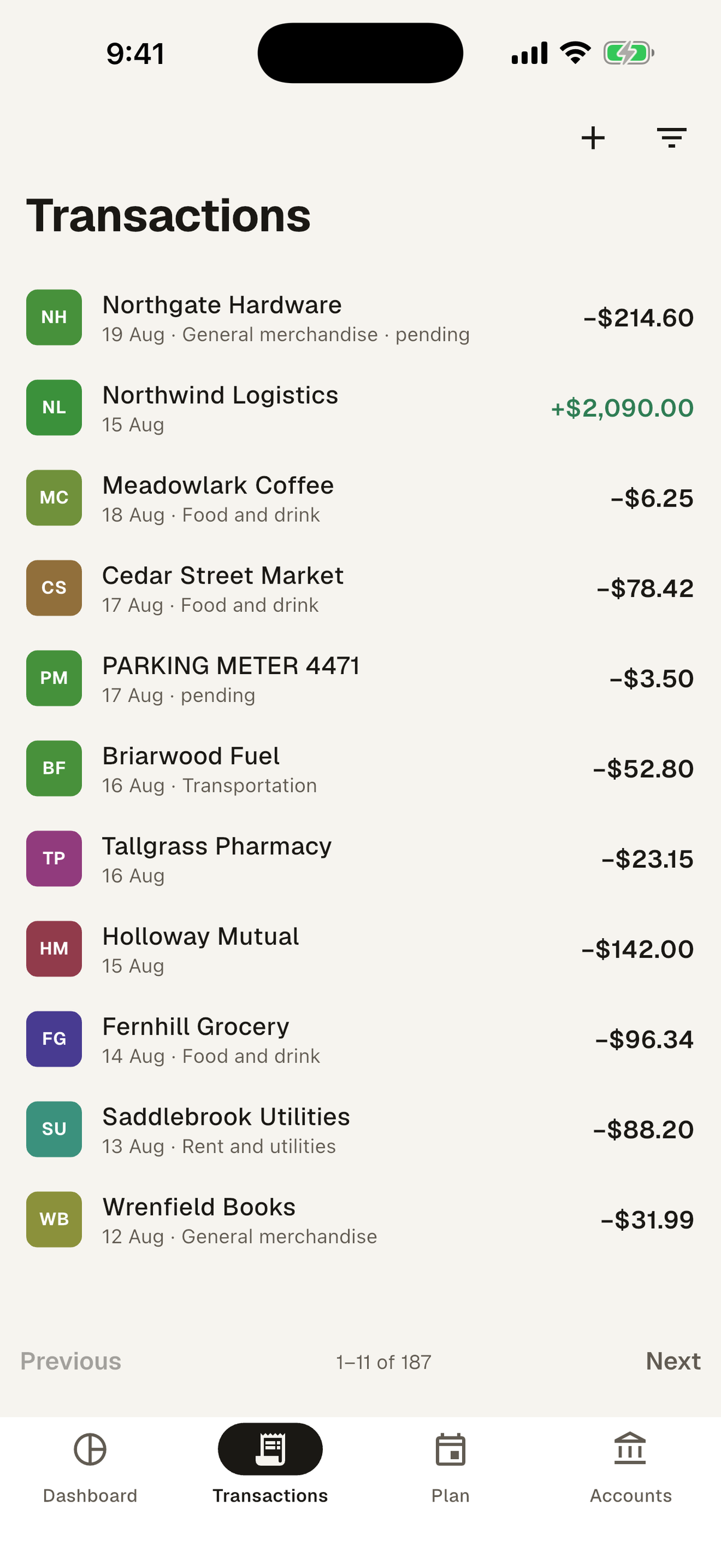
The FinBeans transactions screen, a searchable list of transactions
Transaction history
The FinBeans plan screen, showing income, the bills and subscriptions FinBeans found, and spending limits
Bills that FinBeans found
The FinBeans accounts screen, showing balances grouped into spending, saving and owed, and the holdings in an investment account
Account management
The FinBeans billing screen, showing the connected banks a subscription covers and the separate, optional credits for describing imported transactions
What you pay for

AuthBeans

The one account behind every CyberBeans app. Your password goes to AuthBeans and nowhere else.

Manage your account

  • Apps never see your password

    Each app is handed a short-lived pass instead, which runs out after 15 minutes.

  • Stored as a one-way hash

    We keep a scrambled form that can’t be turned back into your password, never the password itself.

  • Guessing doesn’t pay

    After too many wrong passwords, sign-in pauses for a while.

  • See where you’re signed in

    List every device on your account and sign out the ones you don’t recognise.

  • Delete everywhere at once

    Deleting your account removes it from every CyberBeans app, and the page shows each app as it confirms.

Price
Free. It comes with every CyberBeans app.
Where
account.authbeans.app, and the sign-in screen of each app.

PassBeans Planned

Somewhere to keep your passwords, using the sign-in you already have. Not started yet, and listed here so you know where we are going rather than to suggest you can use it today.

Our apps ask for the data they need to do their job and nothing beyond it. There is no advertising in them, and nothing they hold is sold or shared for marketing.